Three short games, three different challenges. These guides explain the controls, scoring and small decisions that matter in the versions you can play on Dovakeli today.
60 SECONDS · TIMING AND OBSERVATION
Tidebend: finish the catch, not just the cast.
Tidebend gives you a boat, a moving river of fish and one minute. Your boat can move left and right, while a single hook travels down from the rod. Catching a fish turns the hook towards the surface; the points are added when the catch reaches the boat.
Controls
Computer: move with the left and right arrow keys, or point across the water to choose a boat position.
Phone or tablet: touch and drag across the play area, or use the on-screen direction controls.
Cast or reel: press Space or select Cast the line. Select it again while the hook is down to reel in early.
Pause: use the pause button or press P. Resume continues the same round; Restart begins a new one.
Scoring and a useful first attempt
Gold fish are worth 10 points, mint fish 20 and pink fish 30. The colours move at different depths and speeds. Aim where a fish is going, allowing time for the hook to descend, instead of dropping directly behind it.
For your first round, practise one shallow catch before following the deeper fish. An empty cast has no point penalty, but it uses time. Near the end of the minute, finish a catch already on the line: points are not banked just by touching a fish.
Watch the fish’s direction before sending the hook down.The return trip is part of every successful catch.
Your rover moves across the bottom of the play area while coins and stones fall towards it. A gold coin is worth 10 points. A collision with a stone removes one shield. The run finishes after 45 seconds or when all three shields have been lost, whichever comes first.
Controls
Computer: steer left or right with the arrow keys, or move the pointer across the play area.
Phone or tablet: touch and drag towards the position you want, or use the direction buttons below the game.
Collect: the rover picks up a coin when it reaches the rover. There is no separate collect button.
Pause or restart: use the controls above and below the play area. Restart clears the current run, not your best score.
Reading the falling pattern
Look a little above the rover so you can see which object will reach you next. Moving for a coin is useful only if you can avoid the stone behind it. Staying near the middle often leaves more room to change direction than waiting at an edge.
Missing a coin does not remove points or a shield. If two objects fall close together, it can be better to leave that coin and keep the run alive. The shield display shows how many more stone collisions the rover can take.
Scan above the rover for the next coin and the next stone.A missed coin is harmless; a stone costs a shield.
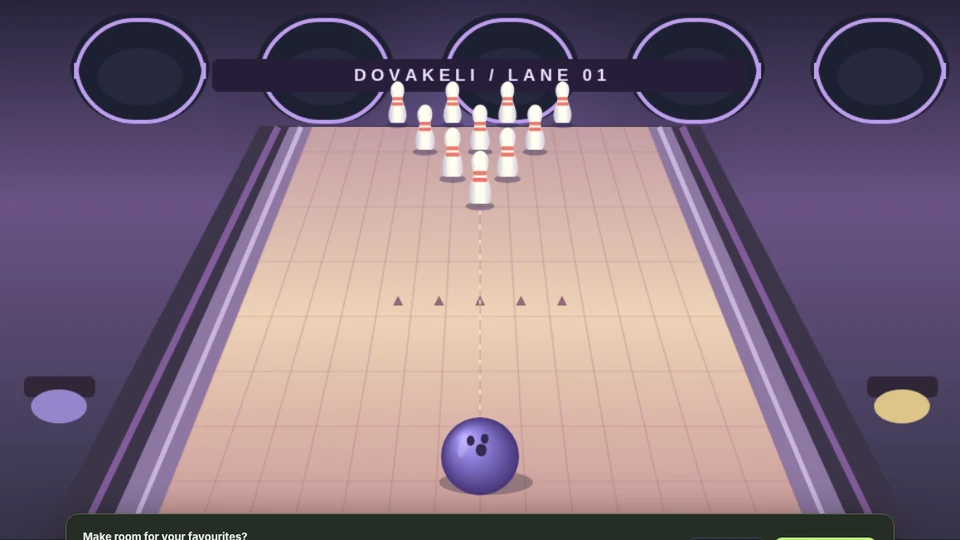
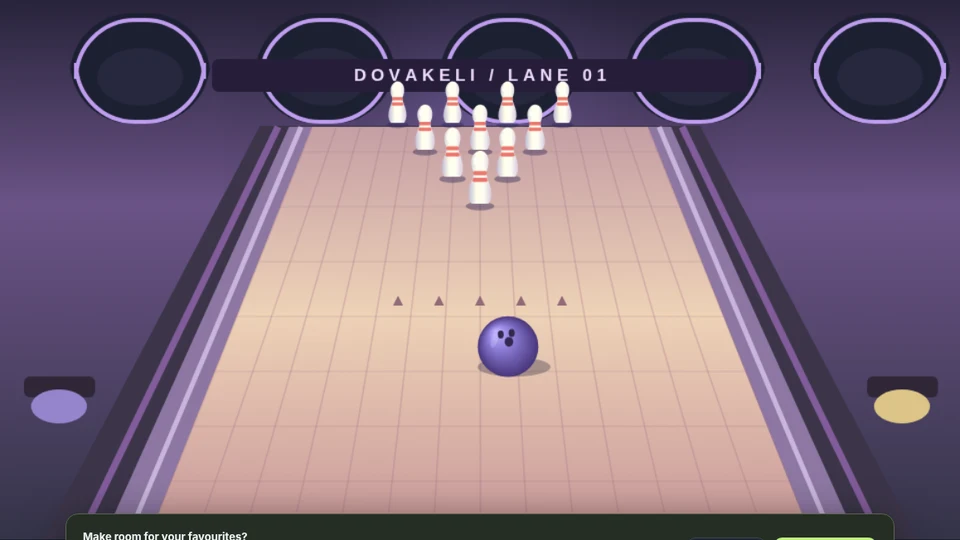
Lane & Roll is a short aiming game. Each roll gets a fresh rack of ten pins, and every pin knocked down adds one point. Five rolls give a maximum total of 50. There are no extra strike or spare bonuses, so the score is easy to compare from one attempt to the next.
Controls
Aim: change the angle slider. You can also aim across the lane with the pointer, touch, or the left and right keys.
Power: change the power slider before you roll.
Roll: select Roll the ball or press Space when the game is ready.
Next rack: wait for the shot to finish and the next rack to appear. The roll button becomes available again.
Understanding your result
The frame display records the pin count from each shot. Start near the centre and watch which part of the rack you reach. If the result is low, make a small angle adjustment before changing the power as well.
There is no countdown for deciding your next shot. Use that time to compare your settings with the last result. A strike is ten points in this mini-game; it does not multiply the following shot. After the fifth roll, the result panel shows the total and the individual frame scores.
Set your angle and power before releasing the ball.Five fresh racks make the maximum score 50.
Your best score is saved for the current tab by default. To keep scores and favourites on this browser between visits, change your storage preference. The games remain playable with that option off.
Public ratings and comments are separate from game scores. If you choose to leave feedback, your display name and comment are visible to other visitors. You can change your rating and delete your own comment on the game page. See the Privacy Policy for details.
If something does not respond, describe the game, device and browser on the contact page. The contact form prepares a draft for your email application and shows you the message before you send it.